From Daily Transactions to Financial Statements: Understanding the OHADA Accounting Process
Every business generates accounting information every day. A customer buys a product, a supplier delivers goods, salaries are paid, rent is settled, and inventory moves. These may look like ordinary operational tasks, but each one creates financial data that forms the foundation of a company's financial statements.
For businesses operating within the OHADA environment, understanding how information moves from a daily transaction to final reporting is critical—not only for accountants, but also for business leaders selecting software systems.
So, what actually happens between “We made a sale today” and “Here are our financial statements”? Let's follow the journey.
1. It Starts With a Business Transaction
Accounting begins with an economic event. Consider a soft-drink depot selling merchandise worth 100,000 FCFA for cash. The business has:
- Reduced its available inventory;
- Generated revenue;
- Received cash; and
- Created an accounting transaction backed by source documentation (invoice, receipt, or proof of payment).
No transaction means no accounting entry. However, recording the event is only step one.
2. The Transaction Must Be Classified
The system needs to determine the nature of the economic event: Was it a sale, purchase, expense, customer receipt, asset acquisition, or payroll event?
Under the revised SYSCOHADA chart of accounts, a cash sale of merchandise is classified specifically:
- Debit: 571 — Cash
- Credit: 701 — Sales of merchandise
Proper classification is vital because error at this stage distorts downstream financial reporting.
3. Entry into Accounting Records
Once identified and classified, the transaction enters the system. In a modernized ERP, a salesperson creating an invoice captures the customer details, products, quantities, prices, taxes, and payment method—automatically generating the corresponding accounting entry behind the scenes.
Warning: Automation is only as good as the underlying accounting logic. If an ERP system is incorrectly configured for SYSCOHADA, it processes wrong classifications very efficiently.
4. From Journals to Ledgers
Transactions do not remain isolated; they post to general ledgers to accumulate balances. For instance, multiple cash sales are posted together so management can quickly evaluate total revenue, cash inflows, and inventory depletion.
| Transaction | Amount (FCFA) |
|---|---|
| Sale 1 | 100,000 FCFA |
| Sale 2 | 250,000 FCFA |
| Sale 3 | 150,000 FCFA |
| Sale 4 | 300,000 FCFA |
5. The Trial Balance Brings Accounts Together
Once transactions are posted, account balances form the Trial Balance. This acts as a primary control point to identify posting errors, missing entries, or unusual debit/credit movements.
Note: A trial balance can be mathematically balanced while still containing severe classification errors (e.g., posting an expense to the wrong account).
6. Reconciliations and Adjustments
Before preparing financial reports, internal balances are reconciled against external realities (such as Bank Reconciliation) and period-end adjustments are applied:
- Depreciation and Amortization
- Inventory adjustments and shrinkage
- Accrued expenses and prepayments
- Provisions and tax adjustments
7. Financial Statement Generation & The SYSCOHADA Framework
Accumulated data is compiled into standardized financial statements under the AUDCIF and revised SYSCOHADA requirements. The complete transaction lifecycle follows this path:
Customer Transaction → Invoice/Receipt → Sales Record → Accounting Entry → Ledger Balances → Trial Balance → Adjustments & Reconciliation → Financial Statements
Computerized Accounting & The Solafide Advantage
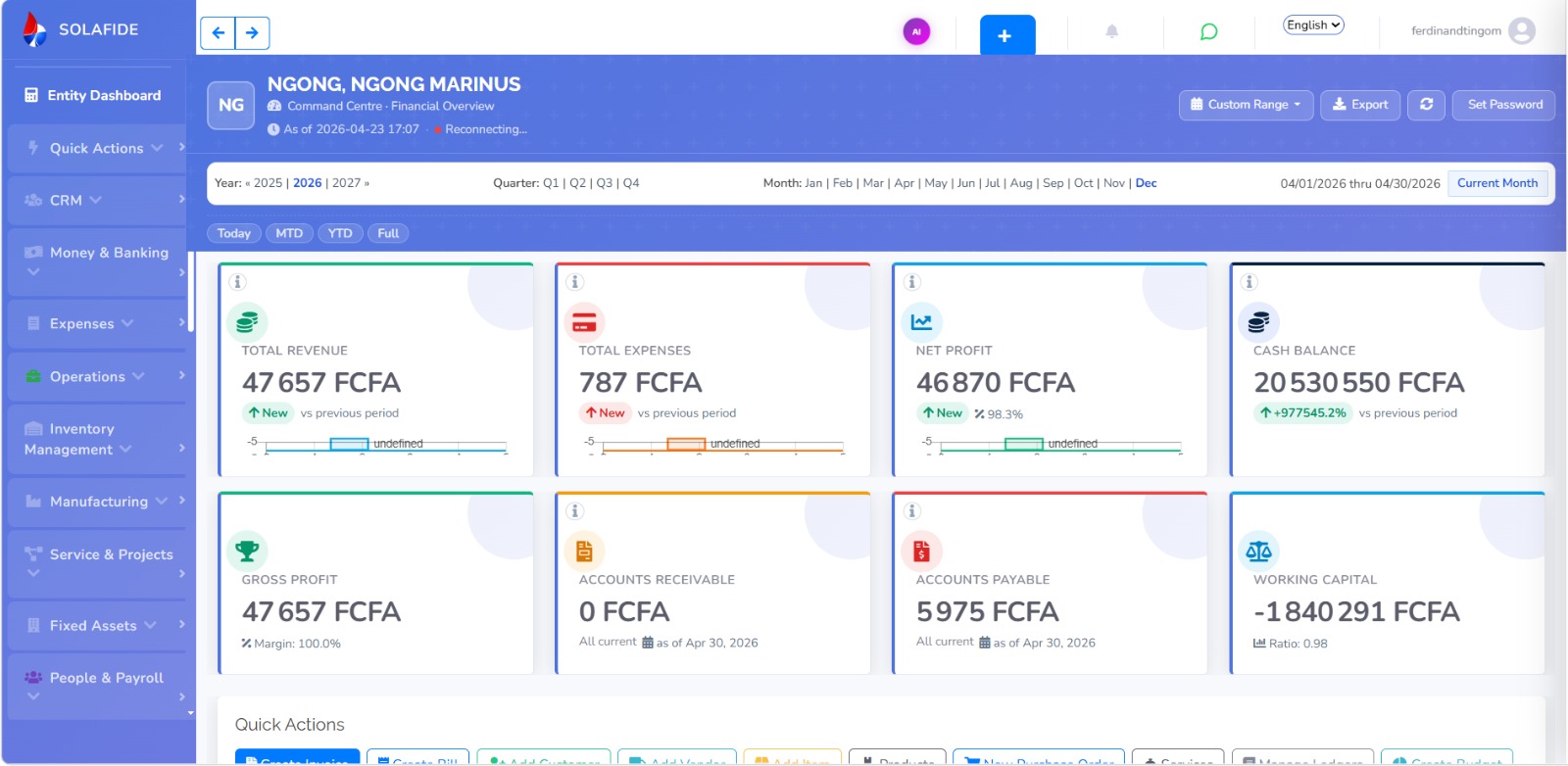
Modern software streamlines this entire pipeline by integrating operations directly into accounting workflows. Instead of maintaining disconnected records, Solafide Accounting Software seamlessly links sales, inventory, purchases, payroll, and banking within an native OHADA environment.
Software automates mechanics, but professional accounting judgment remains indispensable. Solafide gives accounting professionals the exact technological leverage needed to manage compliance and drive strategic decisions.
Note: This article is for educational purposes and does not replace professional accounting advice. Specific accounting treatments may vary depending on transaction terms and regulatory tax rules.