Getting Started
Account creation, first login, the onboarding wizard, and navigating the sidebar & entity selector. Manual Sections 1-2.
Sujets dans cette section
- System Overview & Navigation
- Registering & Activating Your Account
- Onboarding Wizard
- First-Week Checklist
2 guides • 4 tutoriels vidéo disponible pour ce sujet. Parcourez le centre d'assistance ou utilisez la recherche ci-dessus.
Guides
Creating Your Account
Sign up with your name, email (or phone for OHADA countries), and a password. Choose email or SMS verification, then confirm the code sent to you.
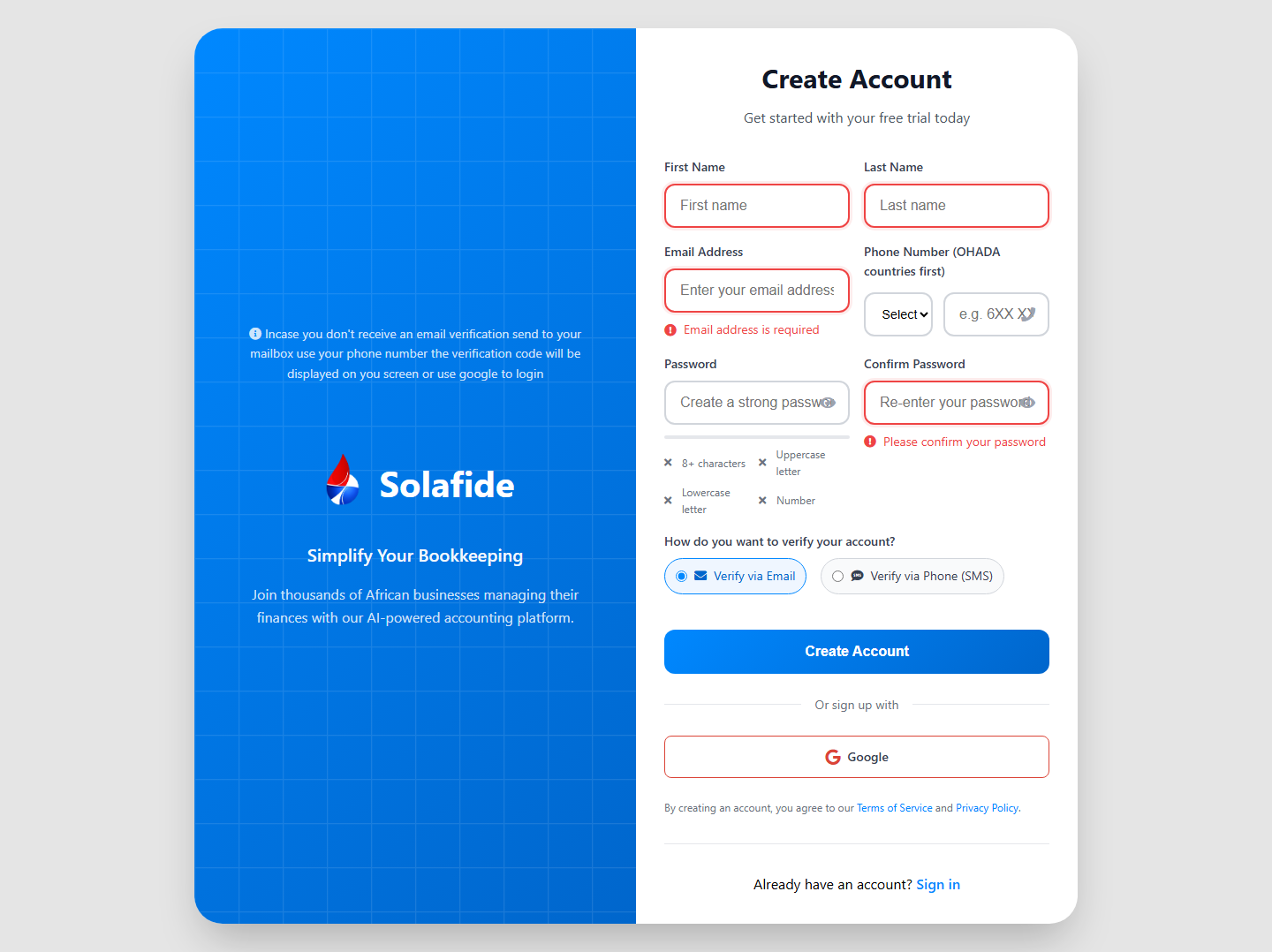
Already have an account? Use the sign-in form instead, with an option to restore from a backup on a new device.
Onboarding & Setting Up Your First Entity
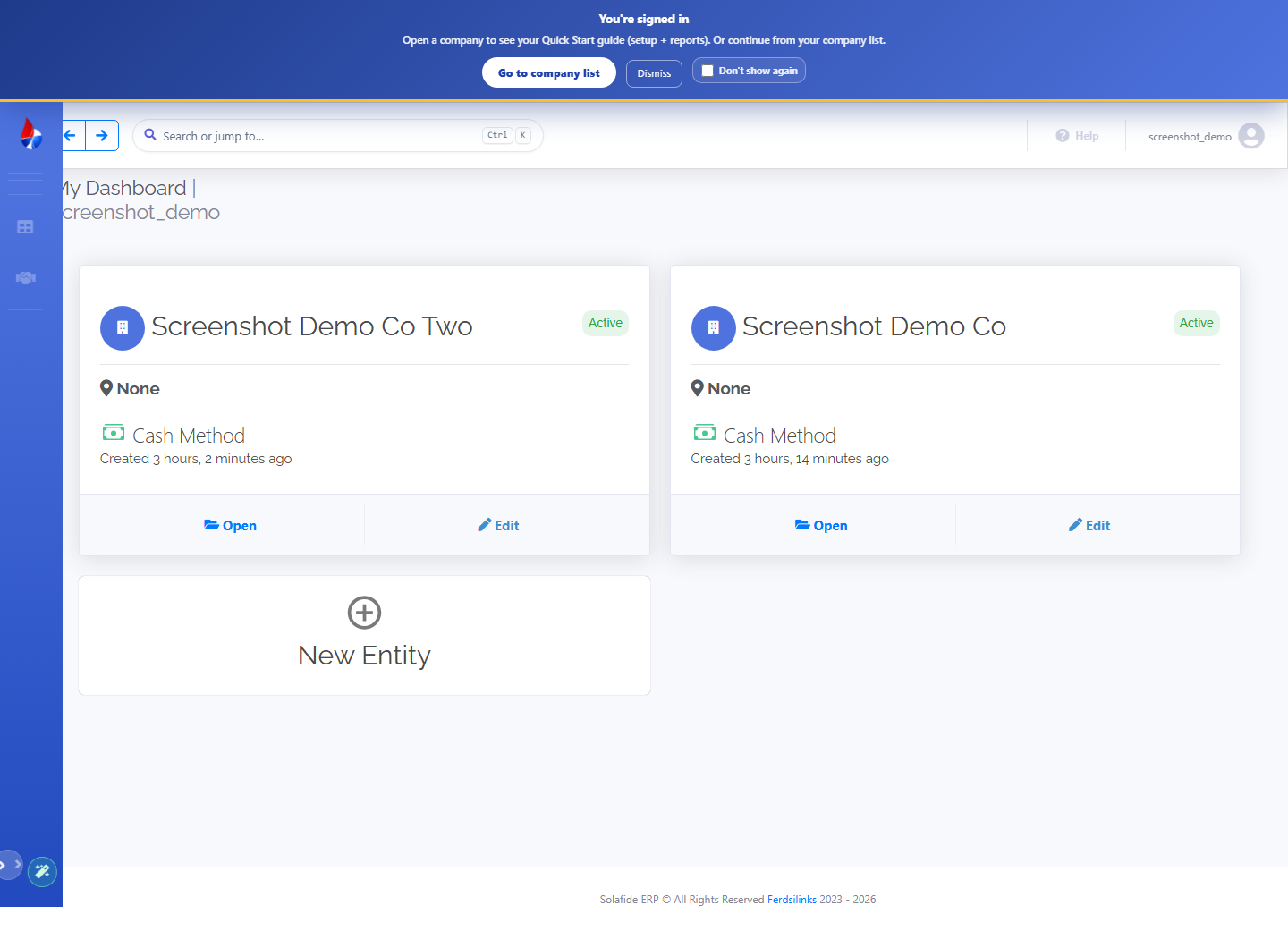
After verifying your account, a short onboarding wizard asks about your role and business, then walks you into creating your first company (entity): name, accrual/cash accounting method, and fiscal year start month.
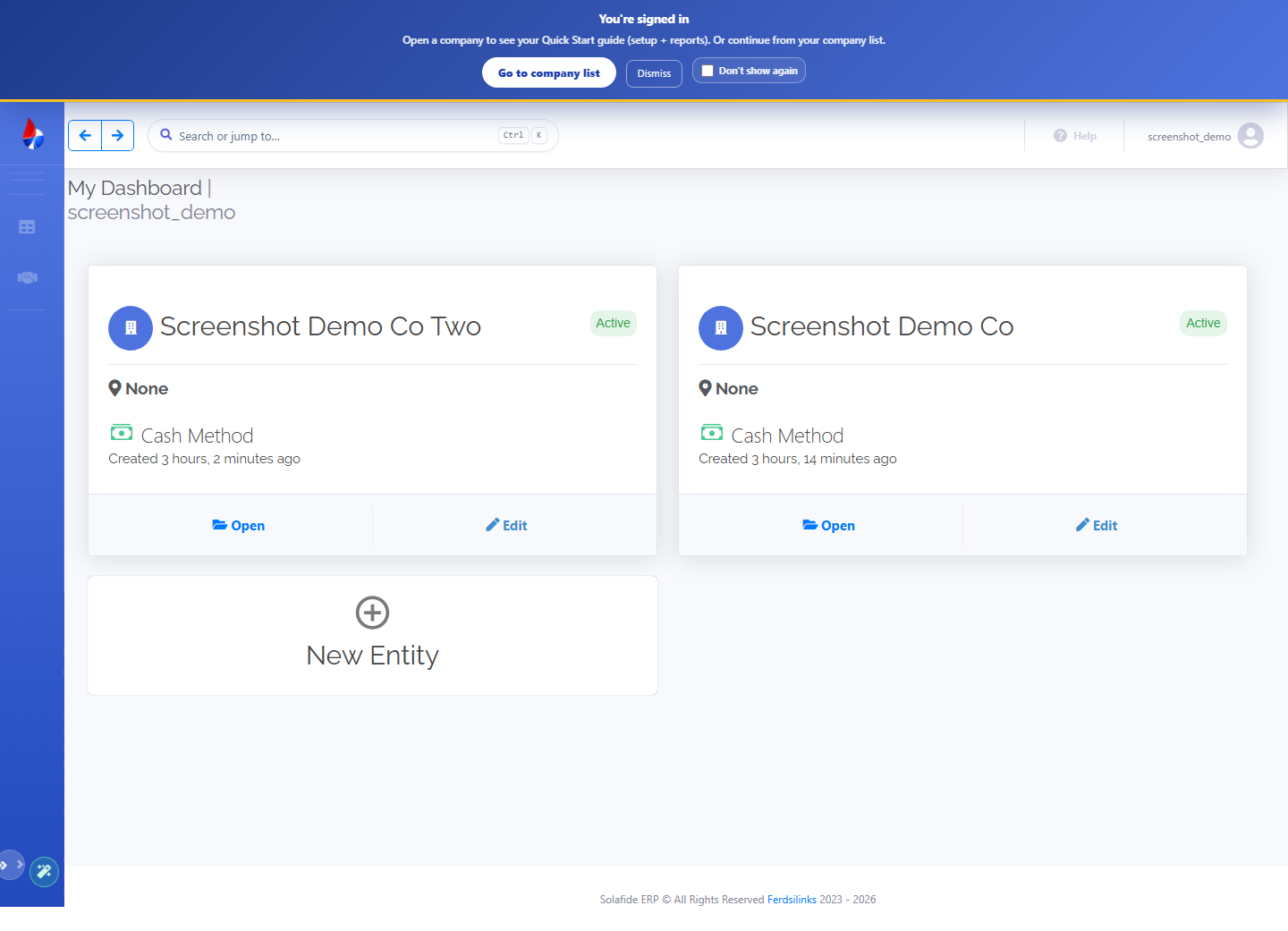
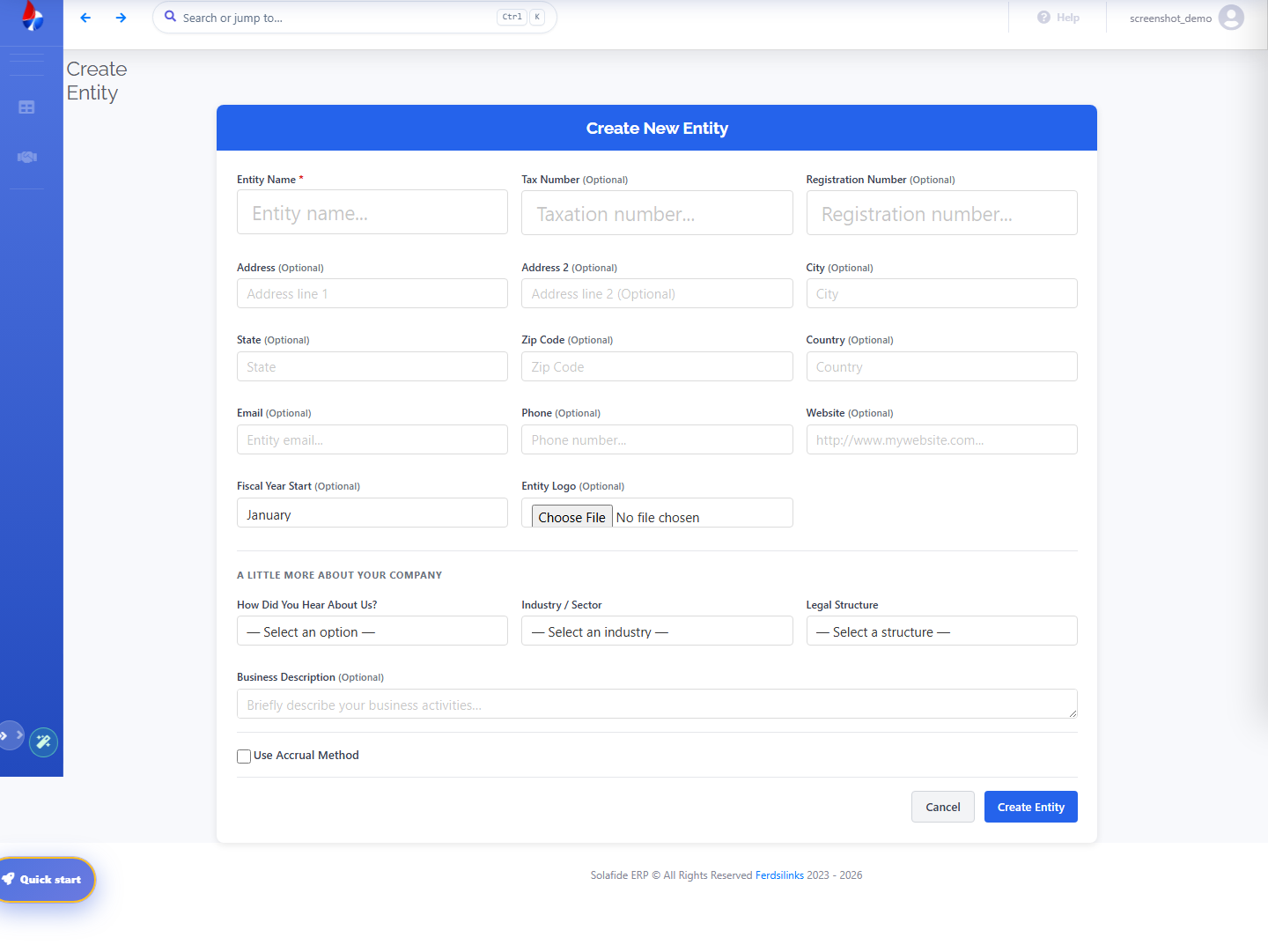
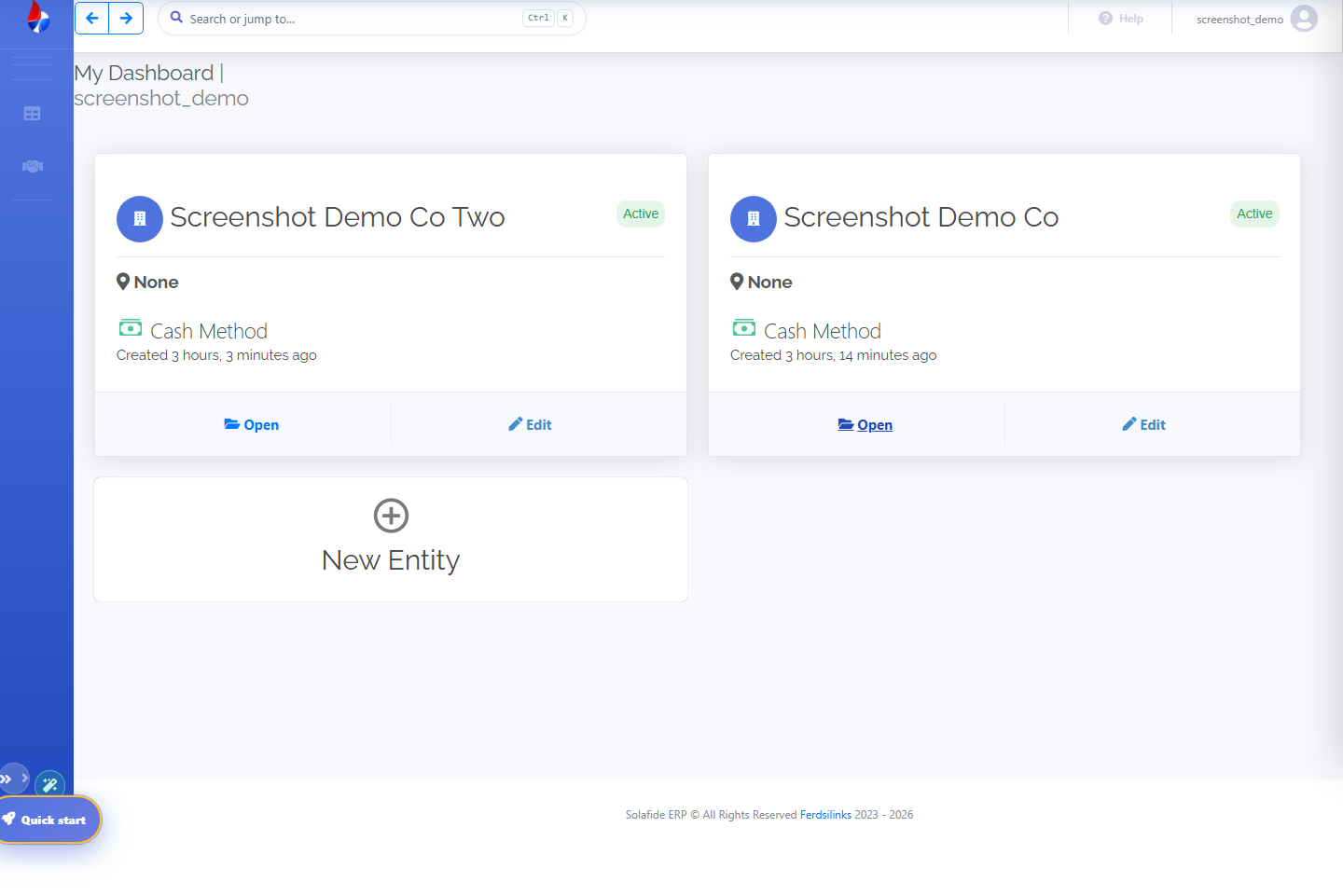
Once created, every entity you administer appears on My Dashboard, where you switch between them or add another.