Banque et rapprochement
Comptes bancaires, rapprochement, lots de paiement et frais bancaires.
Sujets dans cette section
- Bank Account Setup
- Bank Reconciliation
- Payment Batches
- Bank Charges & Interest
4 guides • 0 tutoriels vidéo disponible pour ce sujet. Parcourez le centre d'assistance ou utilisez la recherche ci-dessus.
Guides (4)
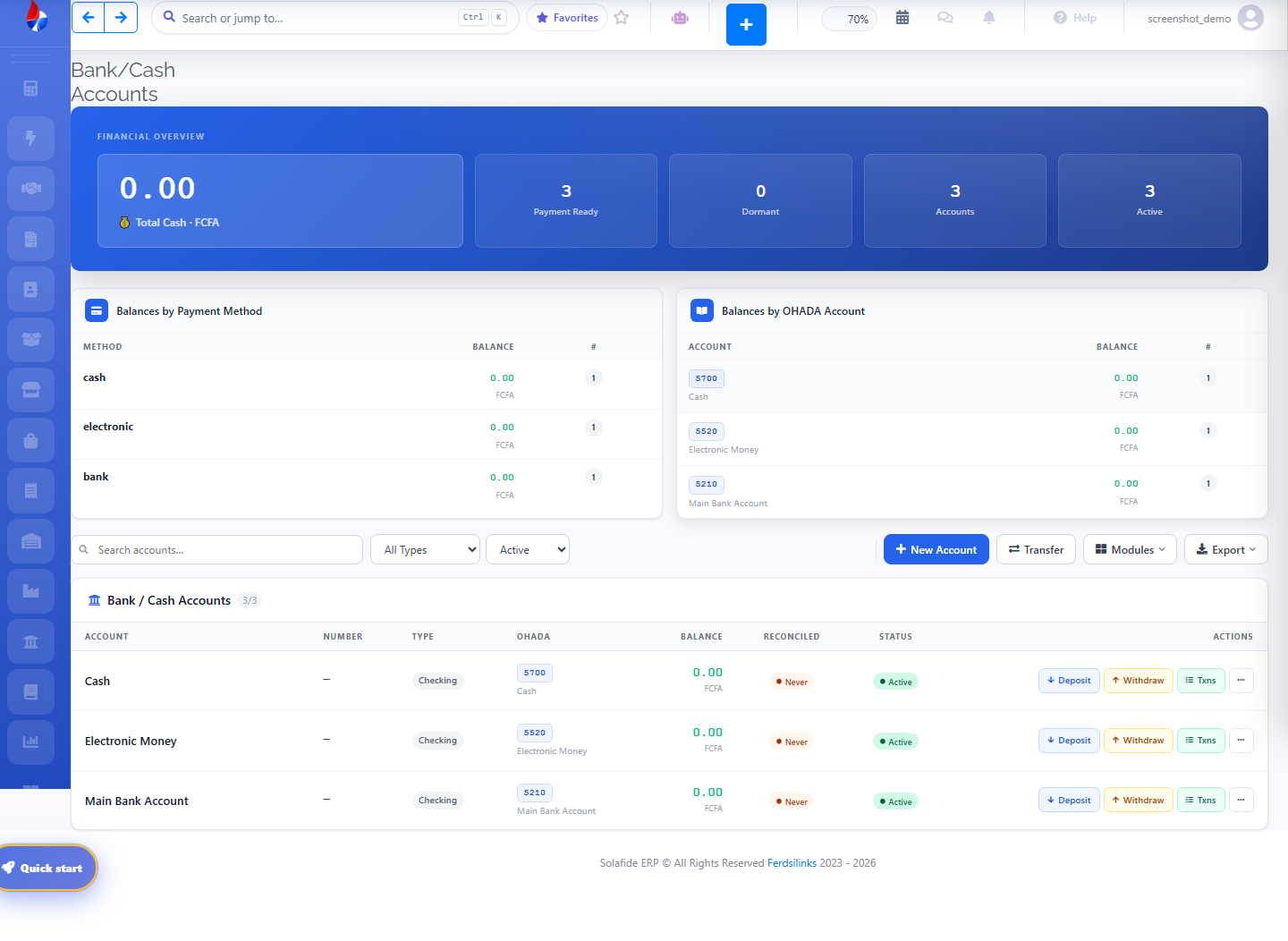
Bank Account Setup
Add each bank or mobile-money account you use from Banking › Bank Accounts, linking it to a cash/bank ledger account.
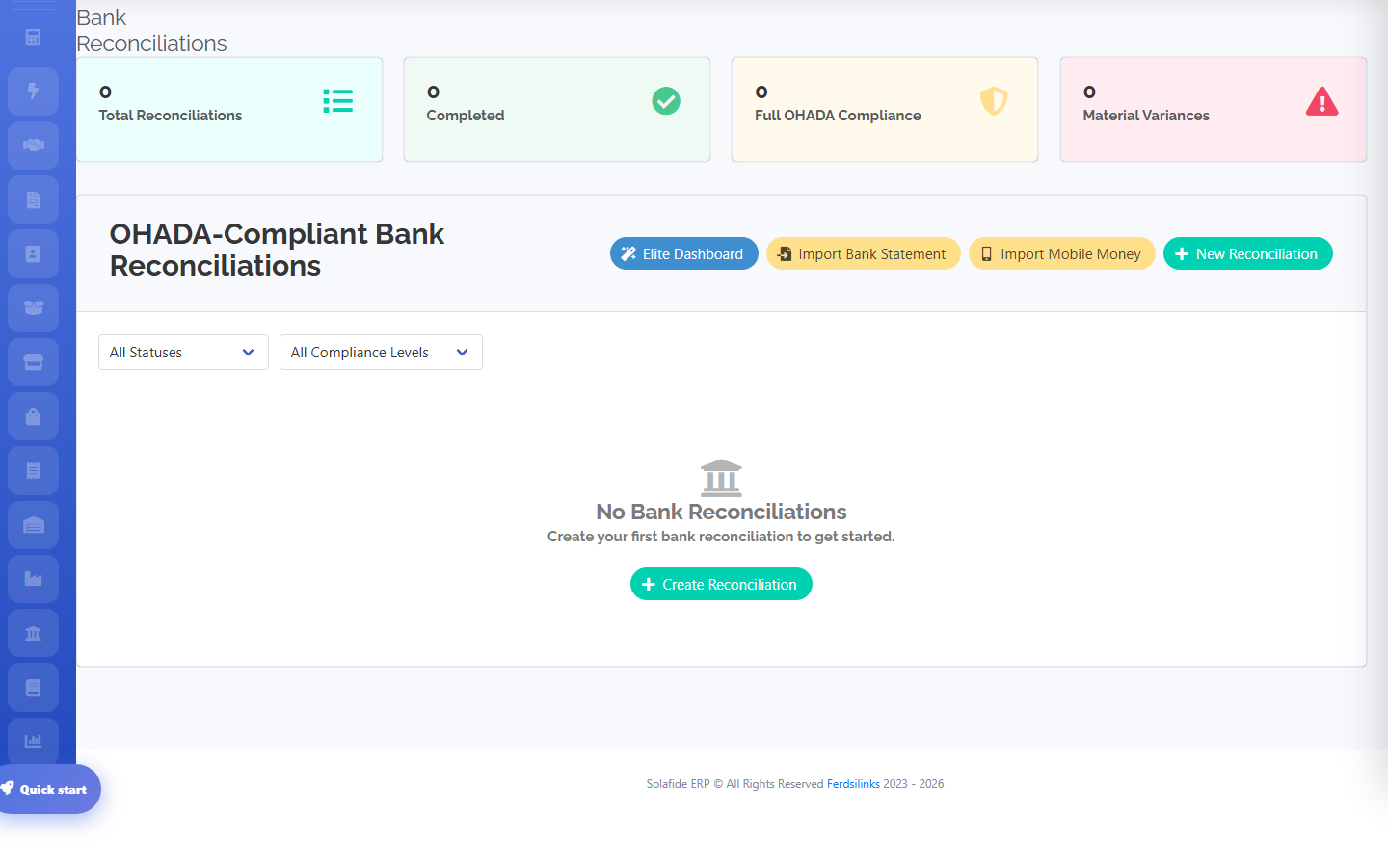
Bank Reconciliation
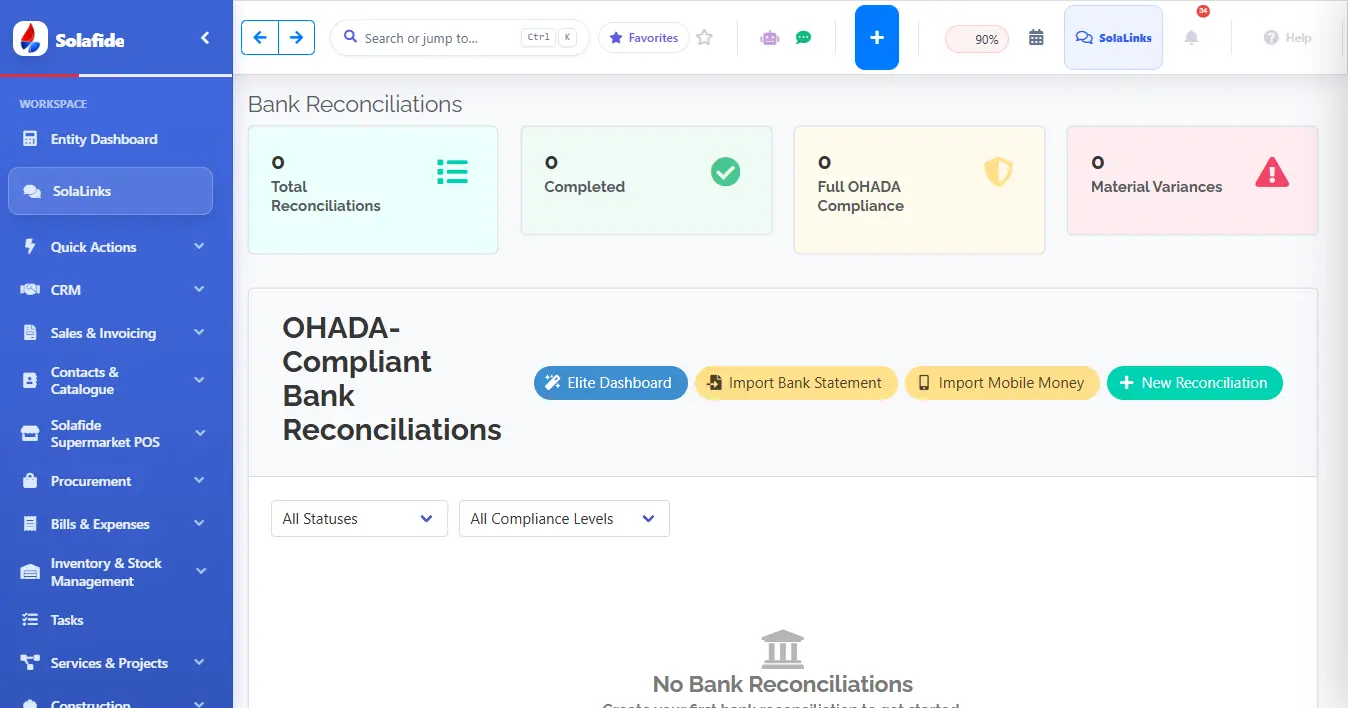
Reconciliations are OHADA-compliant by design: import a bank statement or mobile-money statement (MTN/Orange), then match transactions. The dashboard tracks total reconciliations, completed ones, full-compliance status, and material variances.
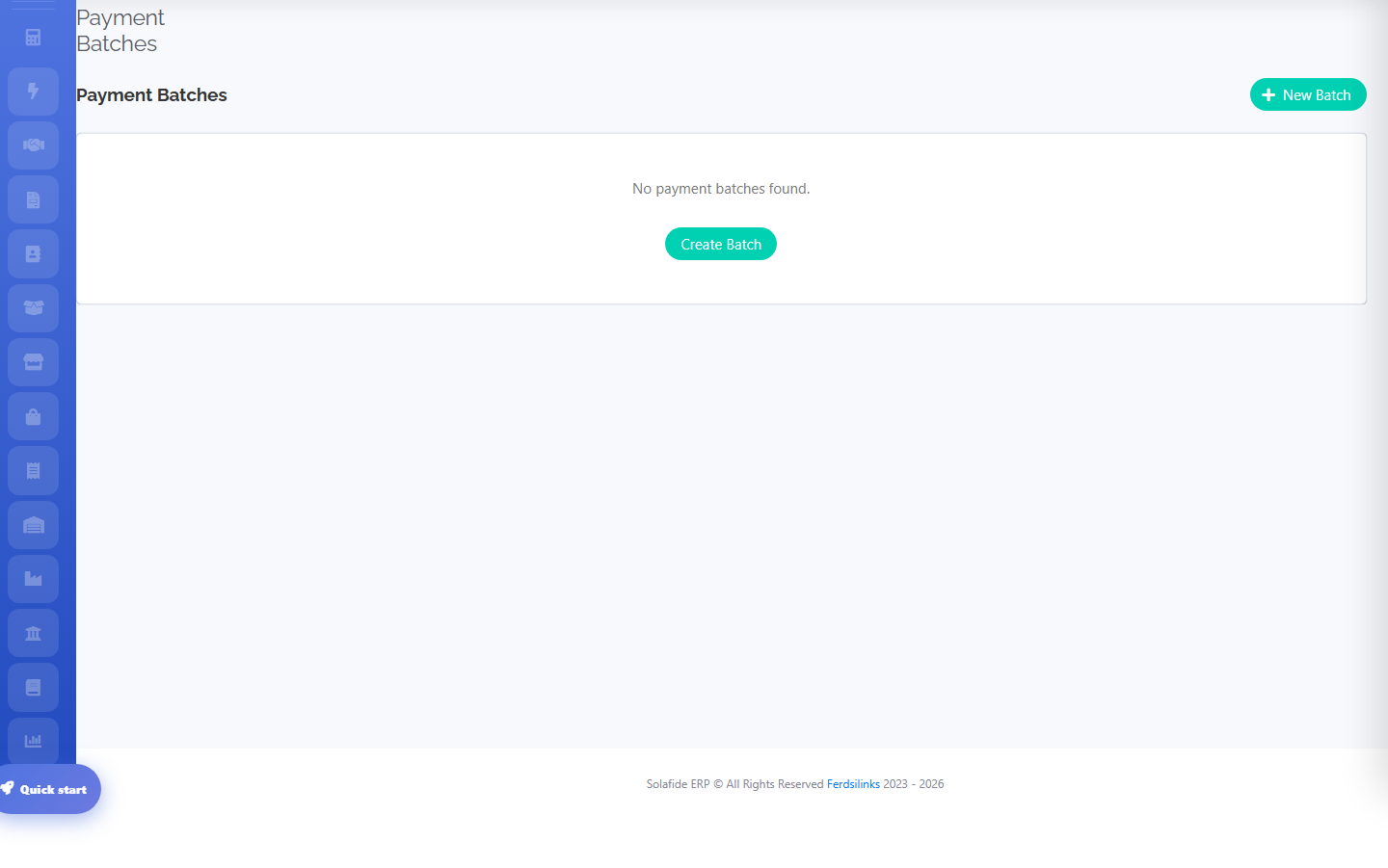
Payment Batches & Bank Charges
Professional plan and above. Batch several vendor/bill payments together for one bank run.
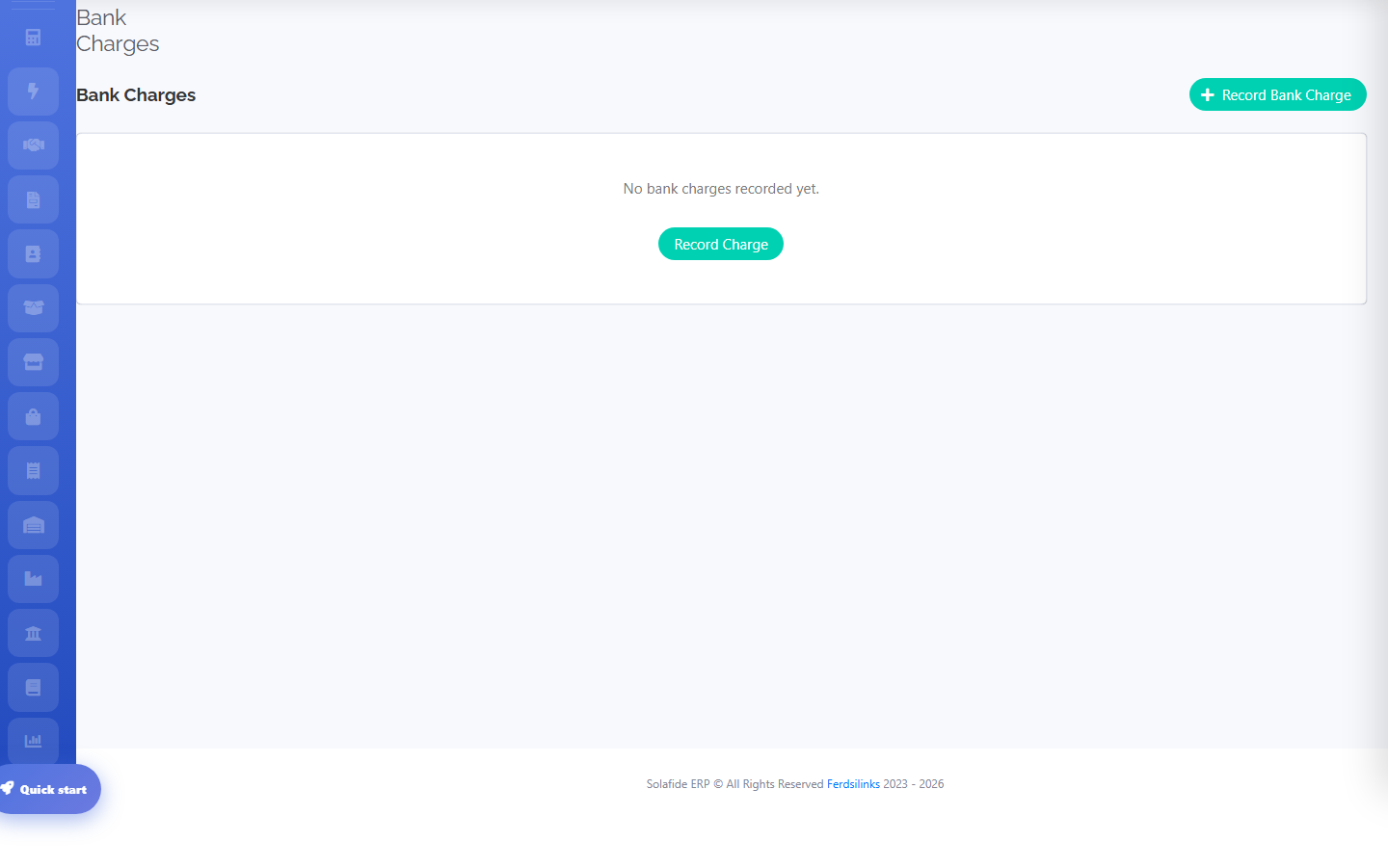
Record recurring bank charges and interest separately from ordinary transactions.
Transactions bancaires Screenshot
Use the bank transaction register to record deposits and withdrawals for each bank account. Pending transactions can be reviewed before they are posted to the ledger.
Approve a pending transaction
- Open Bank & Cash Management, then open the required bank account.
- Select the pending transaction from the register.
- Review the amount, date, counterparty, purpose, target account, and notes.
- Select Approve transaction in the green approval panel.
Approval posts the transaction's accounting entries. Check all information carefully before approving.
Who can approve
An entity administrator can approve every eligible pending bank transaction in their entity. Entity accountants can also approve pending transactions. Other users may view transactions according to their assigned access, but the approval control is not displayed to them.
The approval action is shown only while a transaction is pending. Completed or void transactions cannot be approved again.
Audit trail
Opening, changing, approving, or voiding a transaction is recorded in its audit trail. Use this history during bank reconciliation and OHADA accounting reviews.
Mobile use
On a phone, the approval panel stacks vertically and the approval button expands to the available width for easier tapping.
Review the Bank Book
Open Reports, then Bank Book, to review posted bank movements for a year, quarter, month, or custom date range.
The summary shows the opening balance, total inflows, total outflows, period movement, and closing balance. The balance check confirms that opening balance plus inflows minus outflows equals the closing balance.
The register starts in Compact view with 50 rows per page. Use Full when you need longer references, account names, or descriptions. You can display 25, 50, 100, 200, or all rows. For a large period, paged views are recommended.
Each row keeps the transaction date, source document, journal reference, bank account, details, inflow, outflow, and running balance aligned. On a phone, each movement is presented as a stacked record so no financial value is hidden or compressed.
Only posted entries appear in the Bank Book. If a movement is missing, confirm that the source transaction has been approved and posted and that its account is an OHADA bank account.