Back to Support Center
Sales Management
Customers, invoice lifecycle, payments, credit notes, recurring invoices, and collections. Manual Sections 4 & 5.
Topics in this section
- Creating a Customer
- Invoice Lifecycle
- Recording a Payment
- Credit Notes
- Recurring Invoices & Collections
3 guides • 5 video tutorials available for this topic. Browse the Support Center or use search above.
Guides
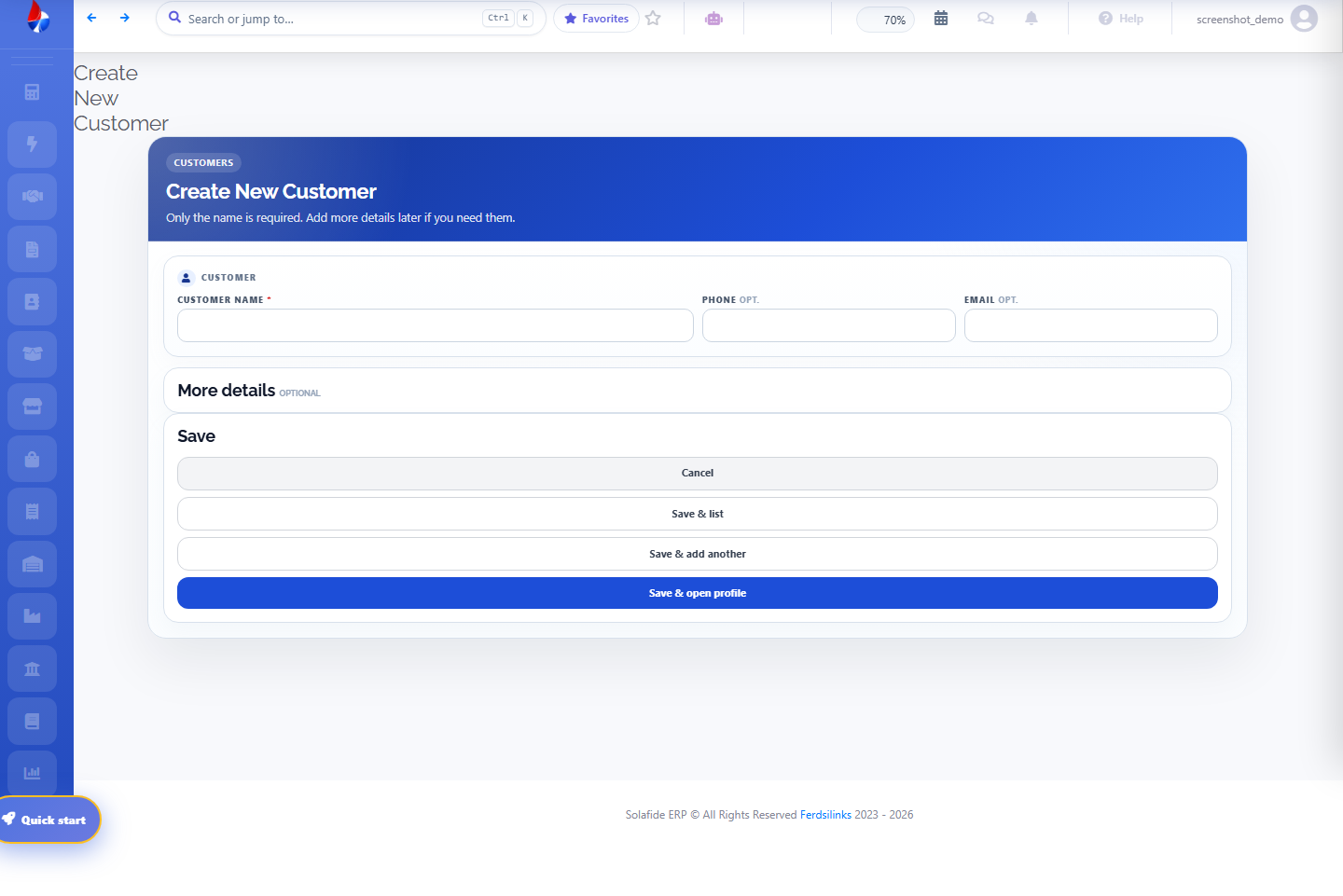
Creating a Customer
Add customers from Sales › Customers › Create, with contact details and OHADA tax identification fields.
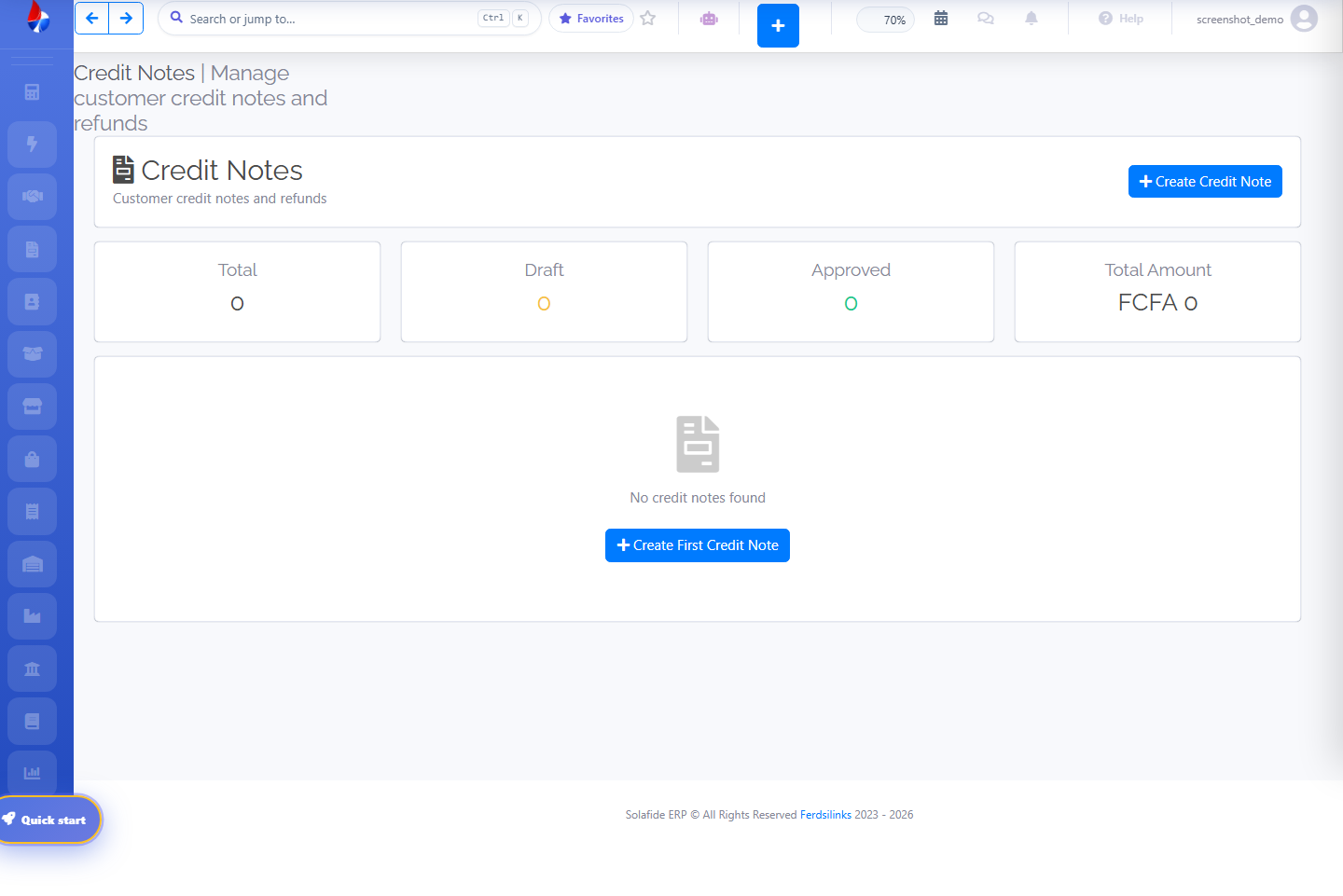
Credit Notes & Recurring Invoices
Issue a credit note against an invoice to record a return or price correction.
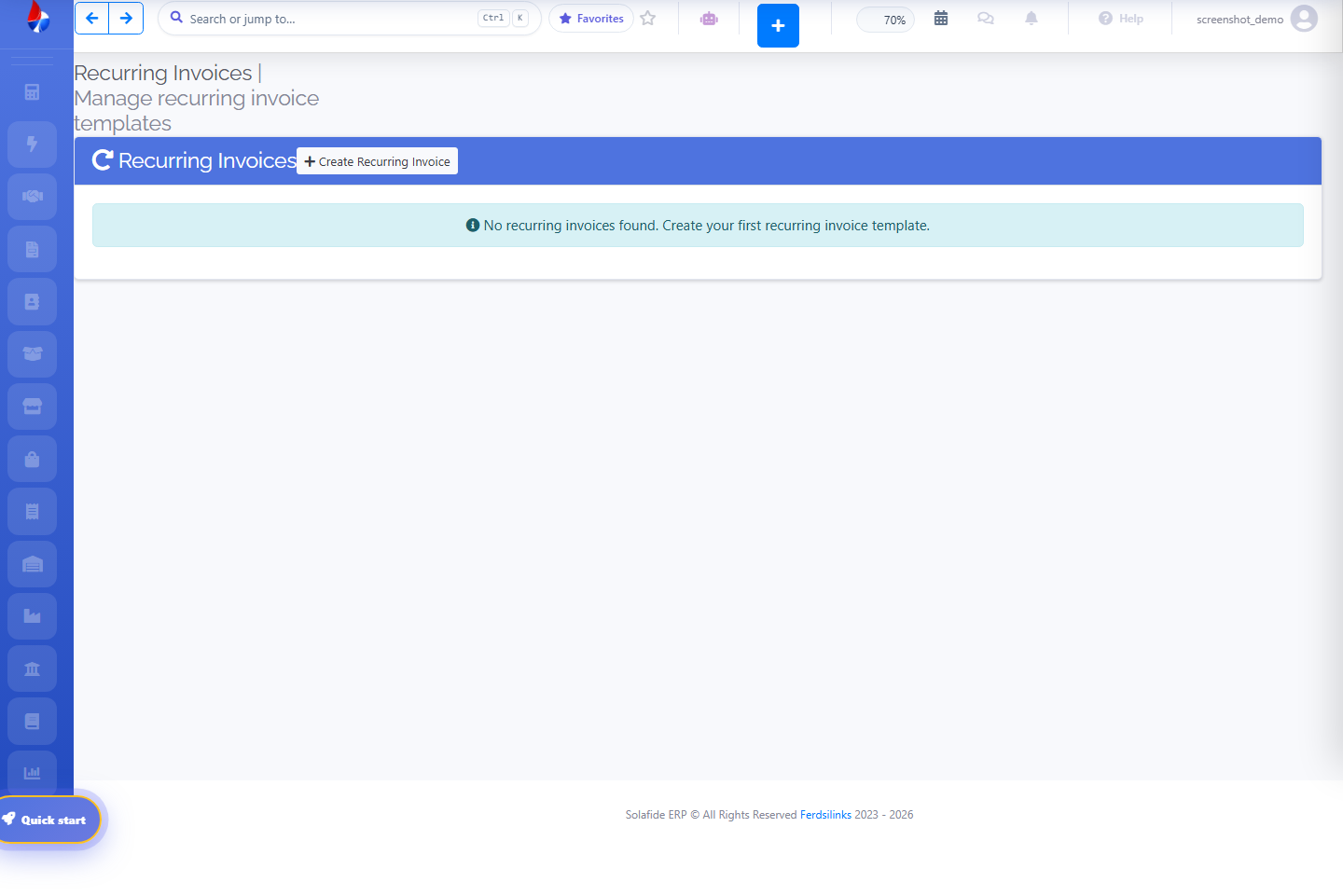
Standard plan and above. Set up a recurring invoice once and it re-generates automatically on the billing cycle you define.
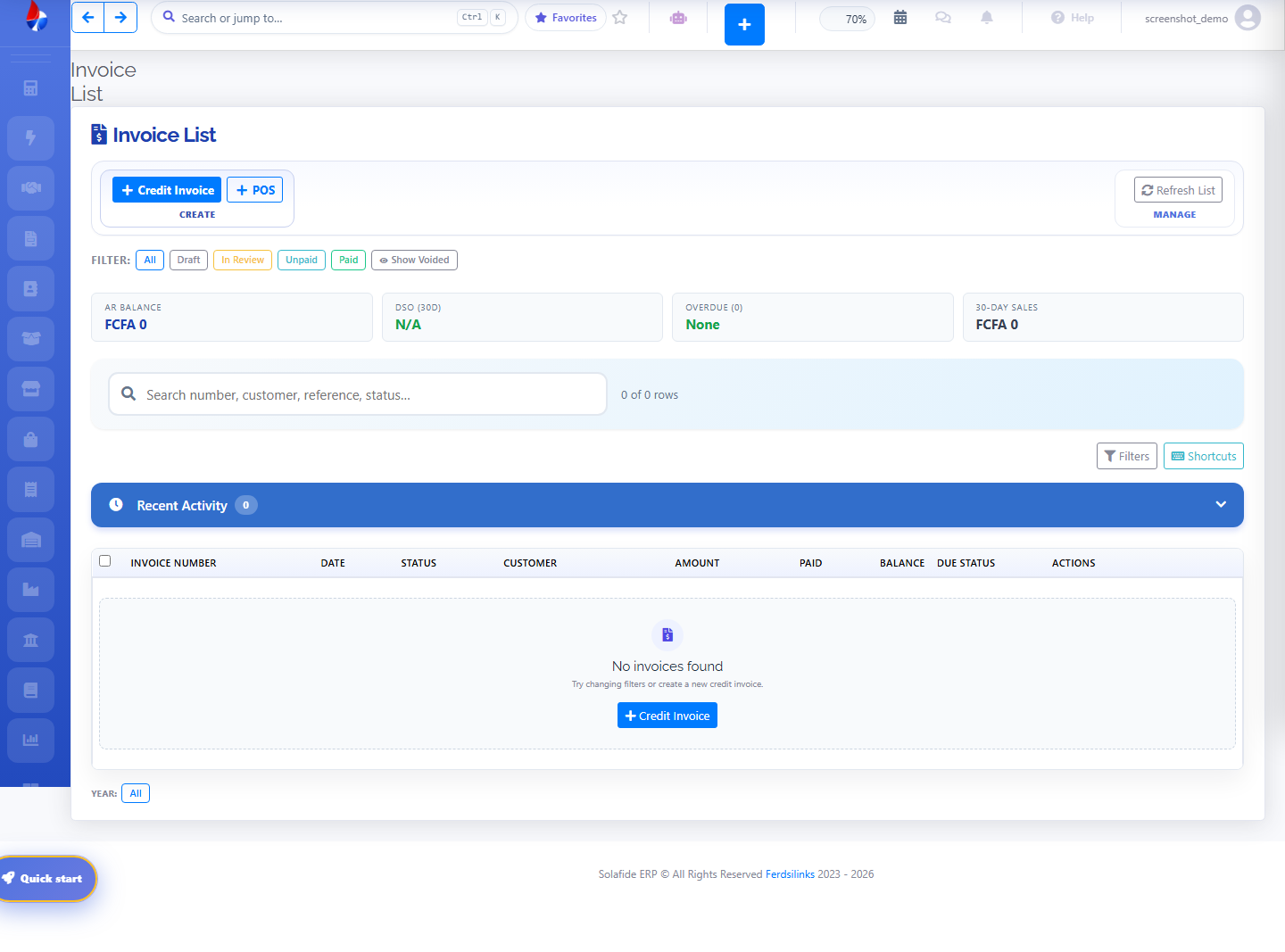
Invoice Lifecycle
The invoice list shows every invoice's status (draft, in review, approved/paid) with search and yearly navigation. Create a new invoice, send it, then record the payment as it comes in.