Back to Support Center
Inventory Management
Items, warehouse setup, stock transactions, cycle counts, and expiry tracking. Manual Sections 4 & 8.
Topics in this section
- Creating an Item
- Warehouse Setup
- Stock Transactions
- Cycle Counts
- Product Expiry Tracking
3 guides • 5 video tutorials available for this topic. Browse the Support Center or use search above.
Guides
Creating an Item
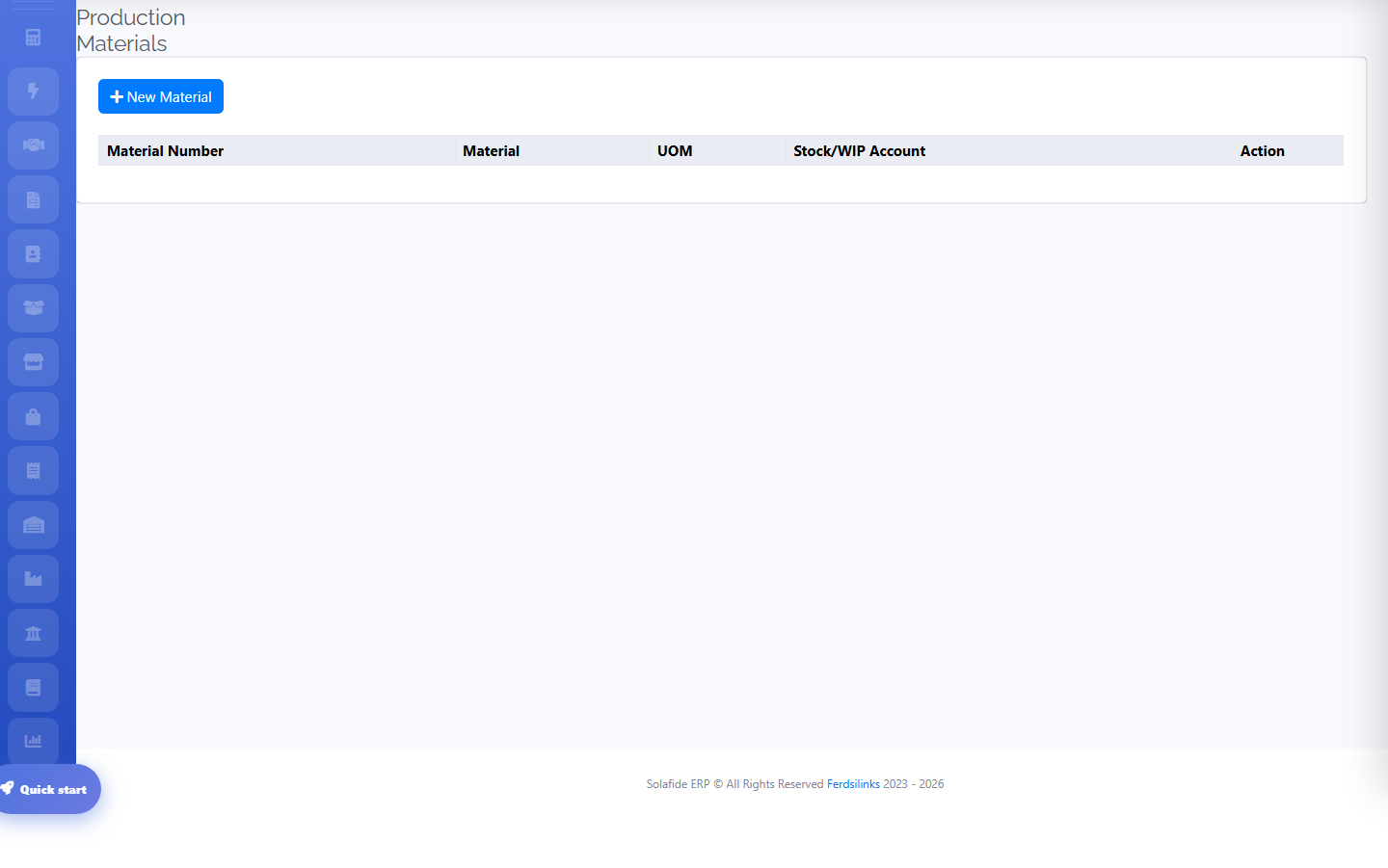
Products, services, and inventory items each have their own list under Inventory › Items, with units of measure and category support.
Stock Transactions & Expiry Tracking
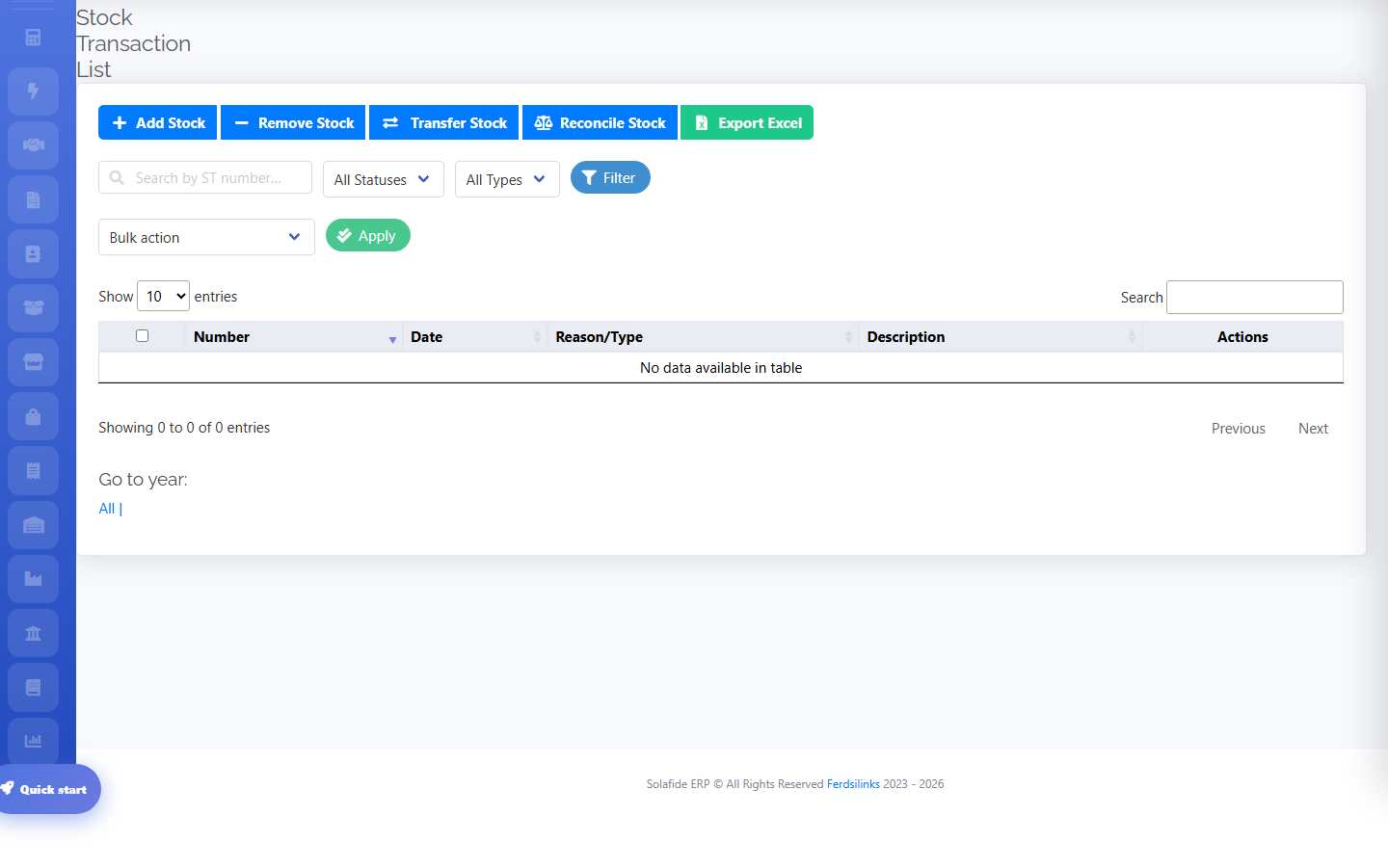
Every stock in/out, transfer, and adjustment is logged as a stock transaction, navigable by year and month.
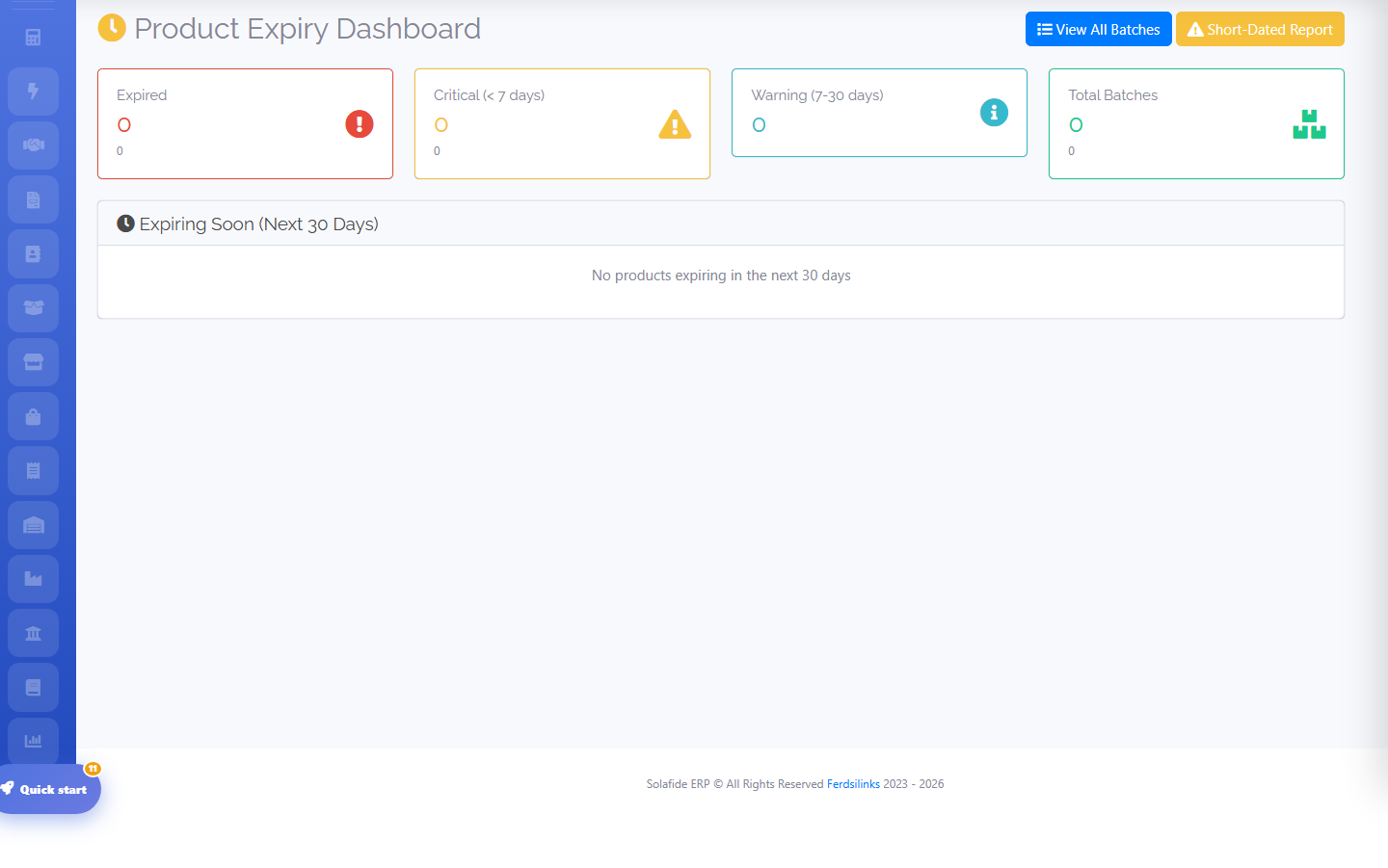
For perishable or regulated goods, the Product Expiry dashboard tracks near-expiry batches and recall status.
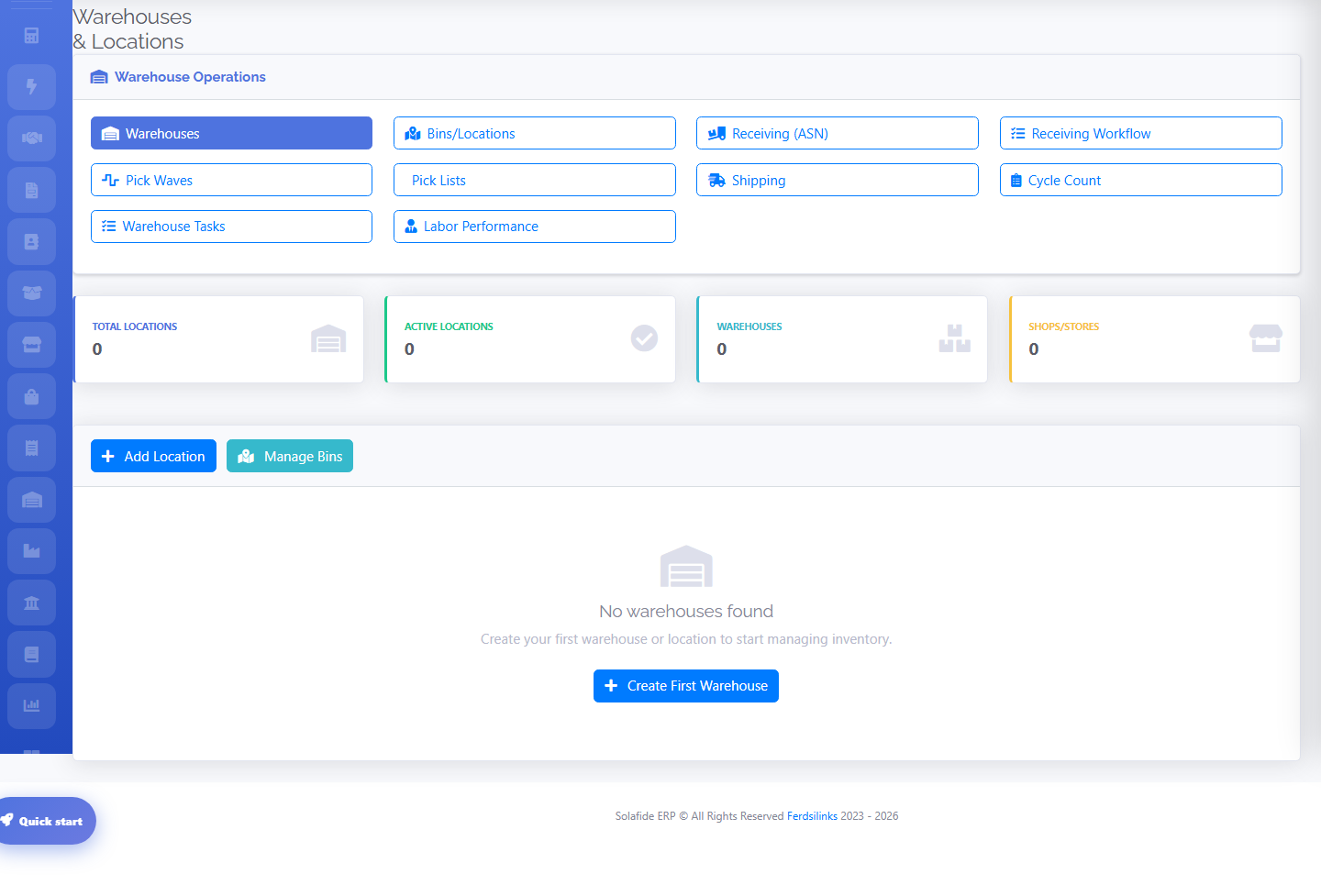
Warehouse Setup
Standard plan and above. Add each physical location as a warehouse to track stock per-location instead of one combined balance.