Core Accounting
Chart of accounts, journal entries, period closing, budgeting, and fixed assets. Manual Sections 10, 12 & 13.
Topics in this section
- Chart of Accounts
- Journal Entries & Approval Workflow
- Period Closing
- Budgeting & Variance Analysis
- Fixed Asset Depreciation
4 guides • 5 video tutorials available for this topic. Browse the Support Center or use search above.
Guides
Budgeting & Financial Overview
The entity dashboard's Financial Ratios & Performance panel (profitability, liquidity, efficiency, leverage), Budget Overview accordion, and Revenue vs Expenses / Profit / Cash Flow trend charts give a real-time budget-and-performance view without building a separate report.
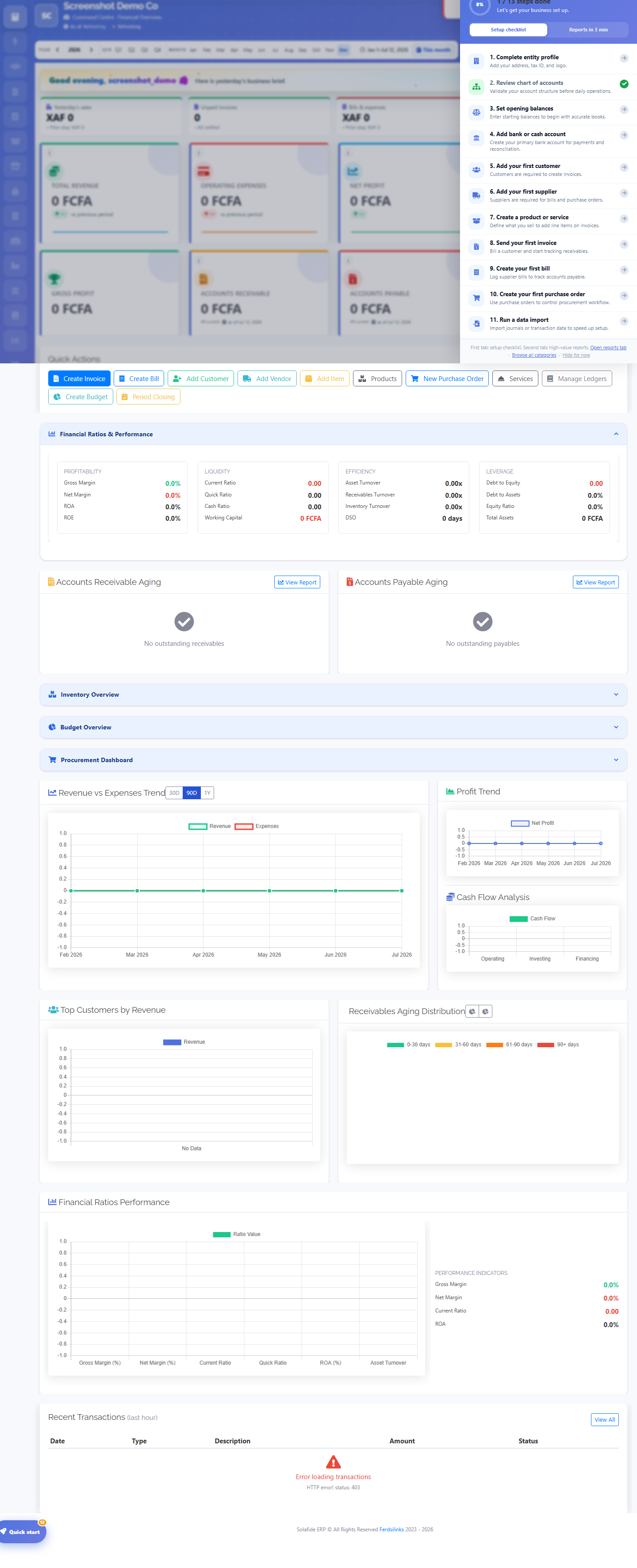
Chart of Accounts
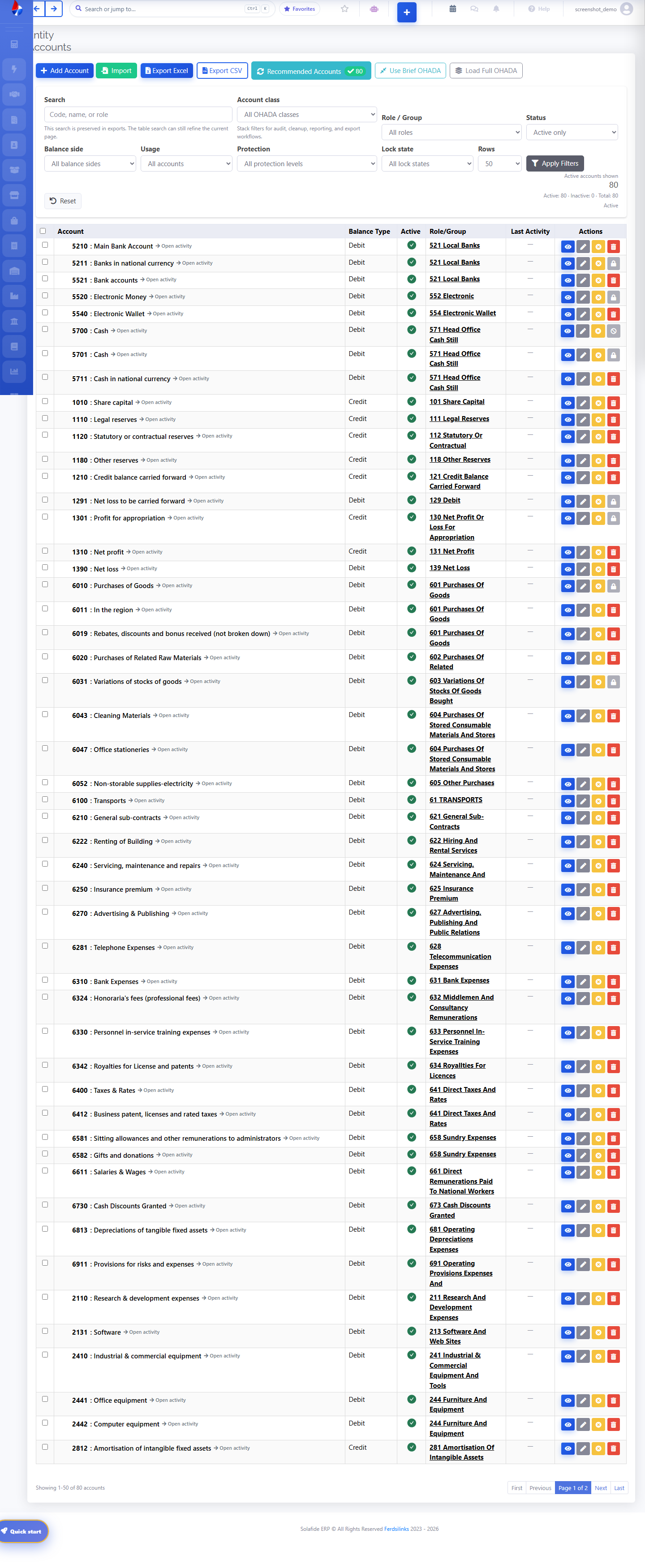
Every entity starts with a full OHADA/SYSCOHADA chart of accounts pre-loaded (Classes 1-8). Use the search, class filter, and role/status filters to find an account, or add your own with Add Account. Each row shows balance side, active status, role group, and quick actions.
Financial Statements
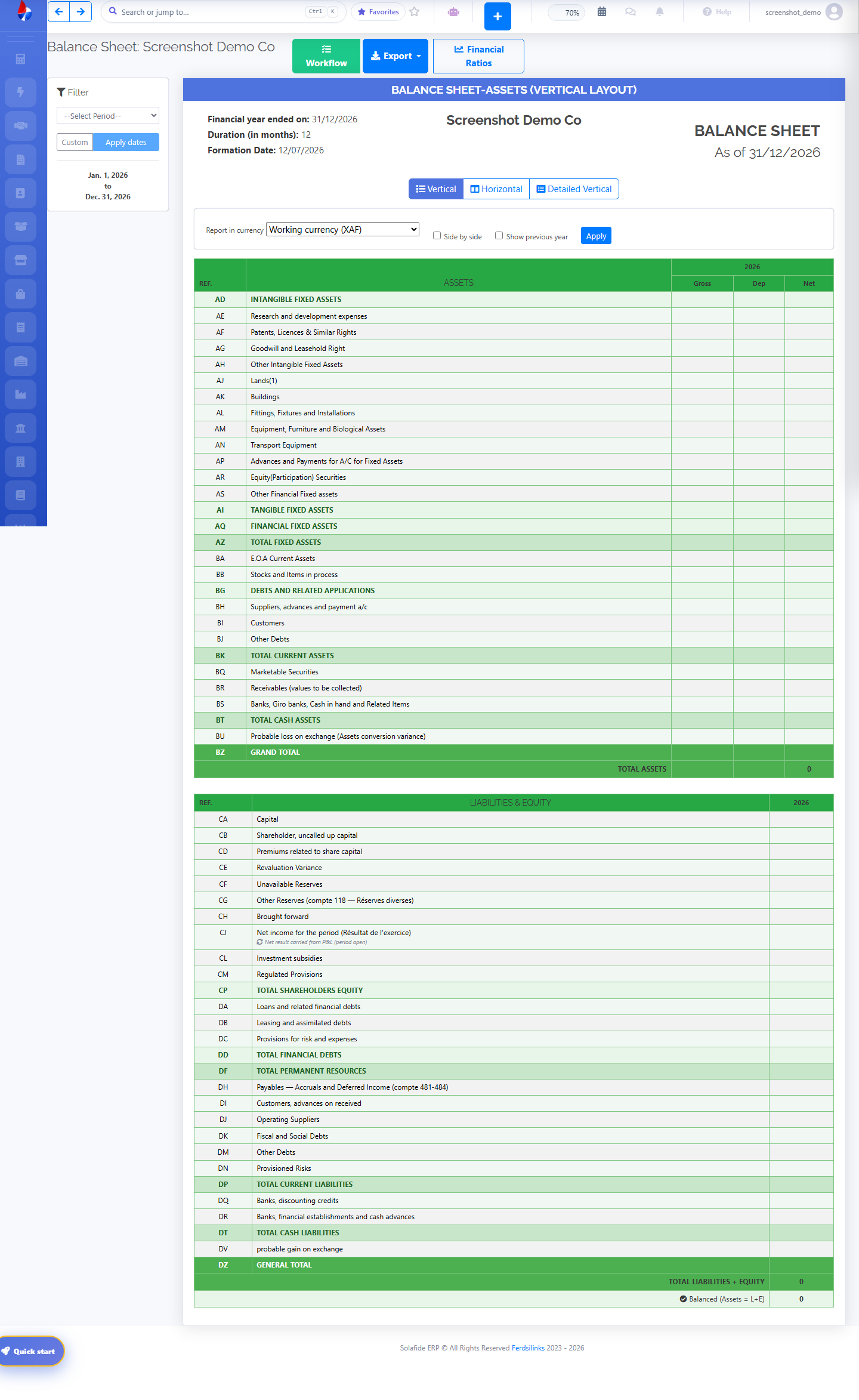
The Balance Sheet (and equivalent Income Statement / Cash Flow) is generated automatically from posted transactions, in OHADA vertical, horizontal, or detailed-vertical layout, for any period, in your working currency.
Fixed Asset Depreciation
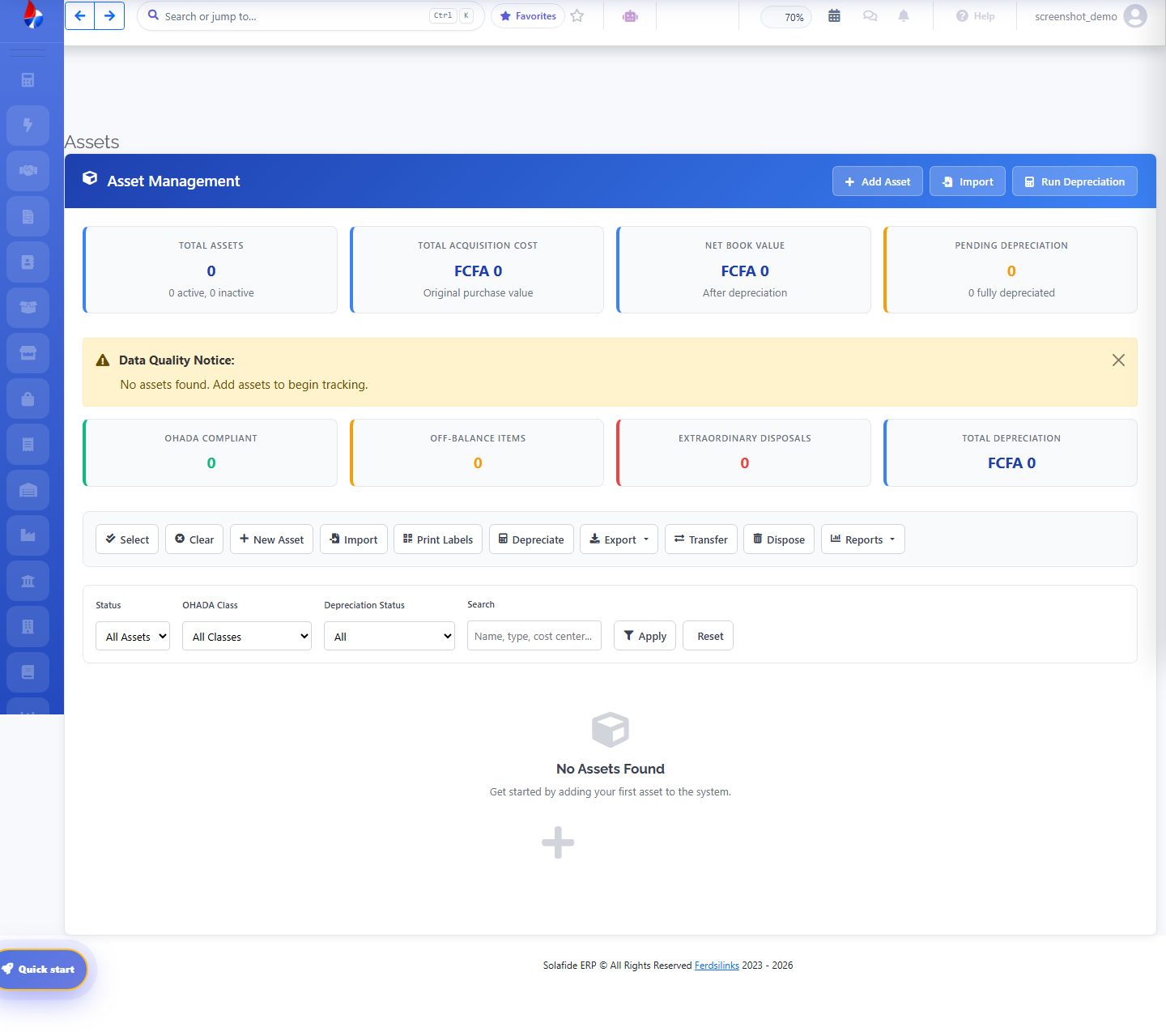
Professional plan and above. Track fixed assets, run straight-line or declining-balance depreciation schedules, and record disposals from the Assets list.