Back to Support Center
Banking & Reconciliation
Bank account setup, reconciliation, payment batches, and bank charges. Manual Section 9.
Topics in this section
- Bank Account Setup
- Bank Reconciliation
- Payment Batches
- Bank Charges & Interest
3 guides • 4 video tutorials available for this topic. Browse the Support Center or use search above.
Guides
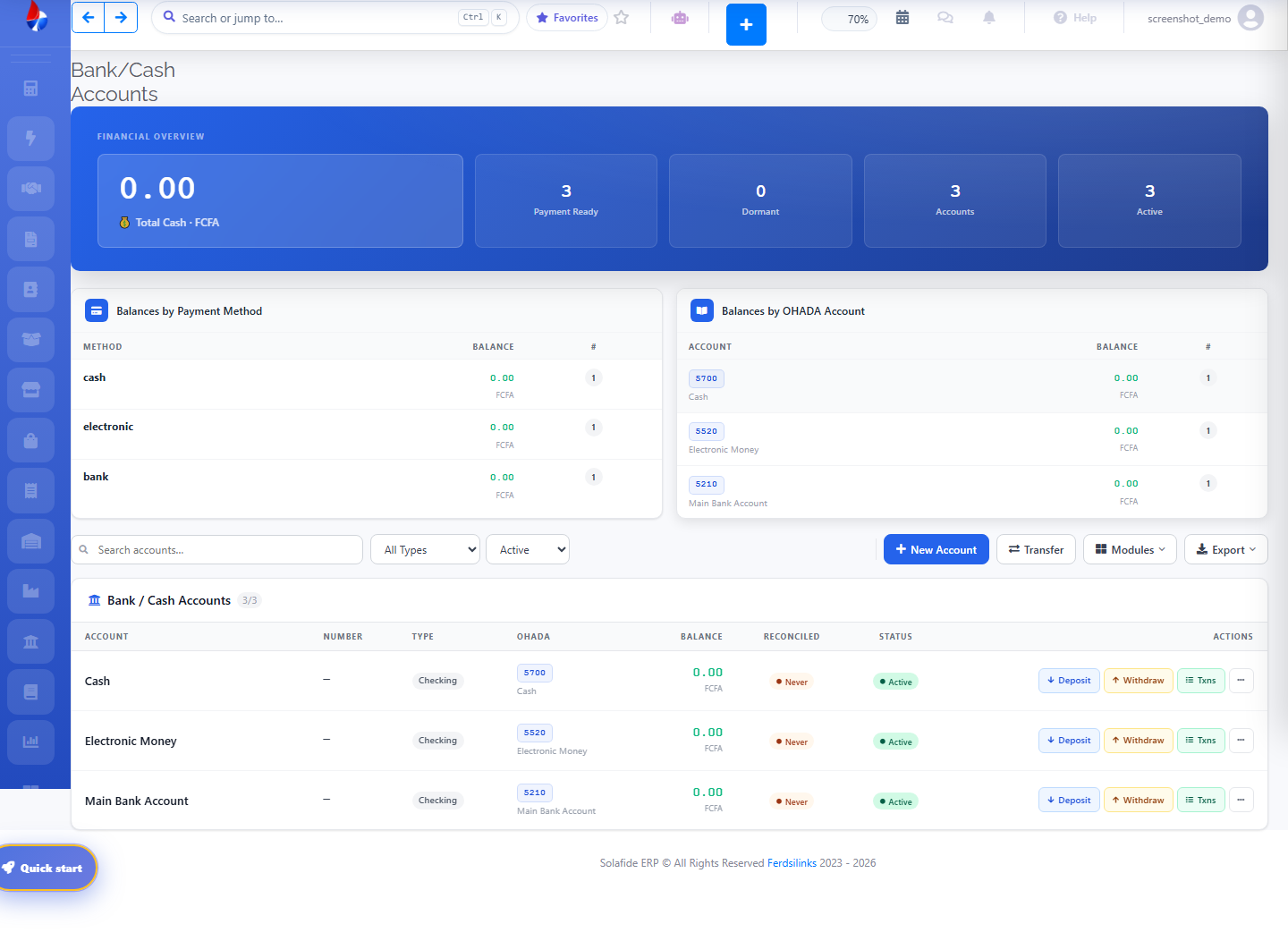
Bank Account Setup
Add each bank or mobile-money account you use from Banking › Bank Accounts, linking it to a cash/bank ledger account.
Bank Reconciliation
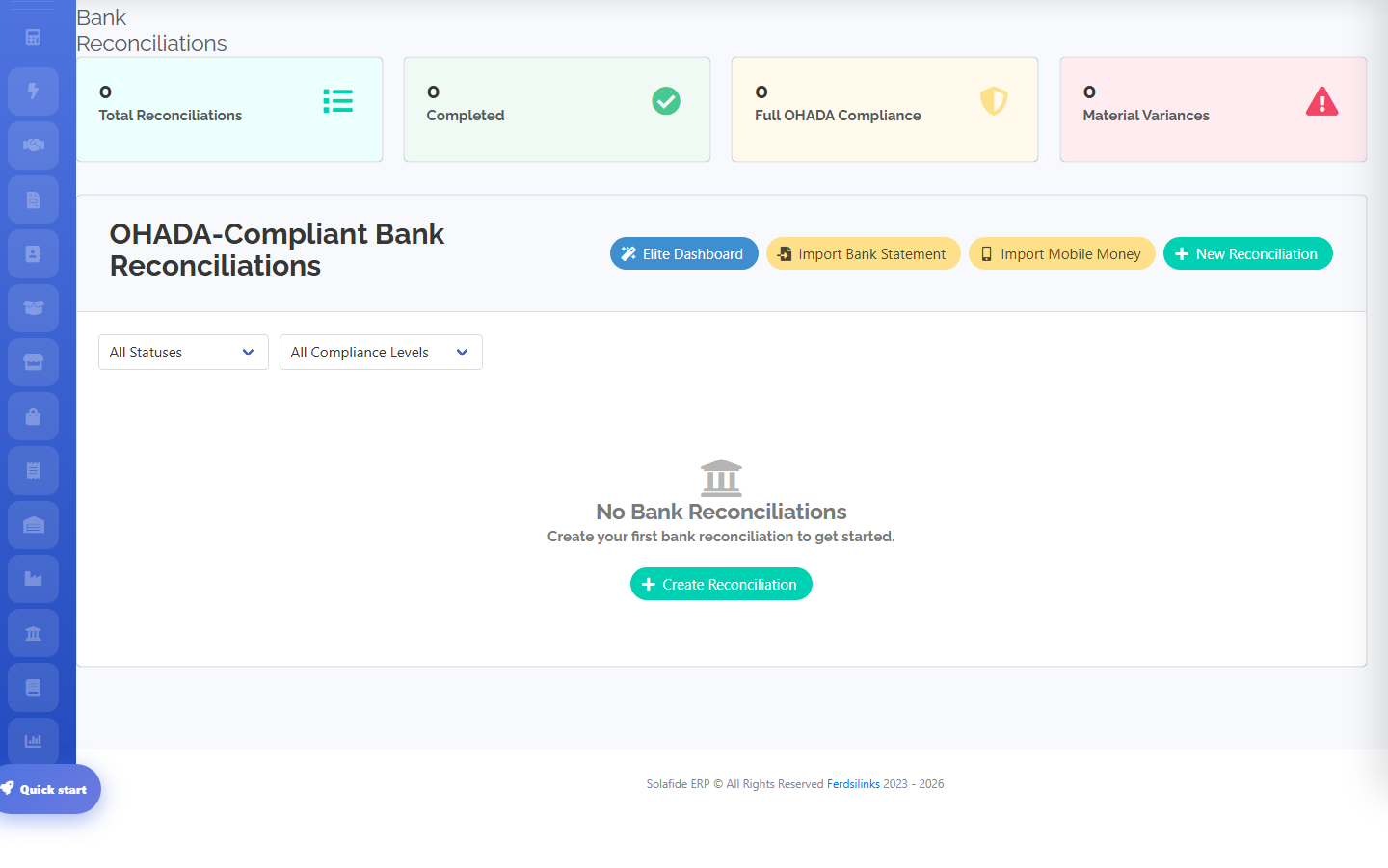
Reconciliations are OHADA-compliant by design: import a bank statement or mobile-money statement (MTN/Orange), then match transactions. The dashboard tracks total reconciliations, completed ones, full-compliance status, and material variances.
Payment Batches & Bank Charges
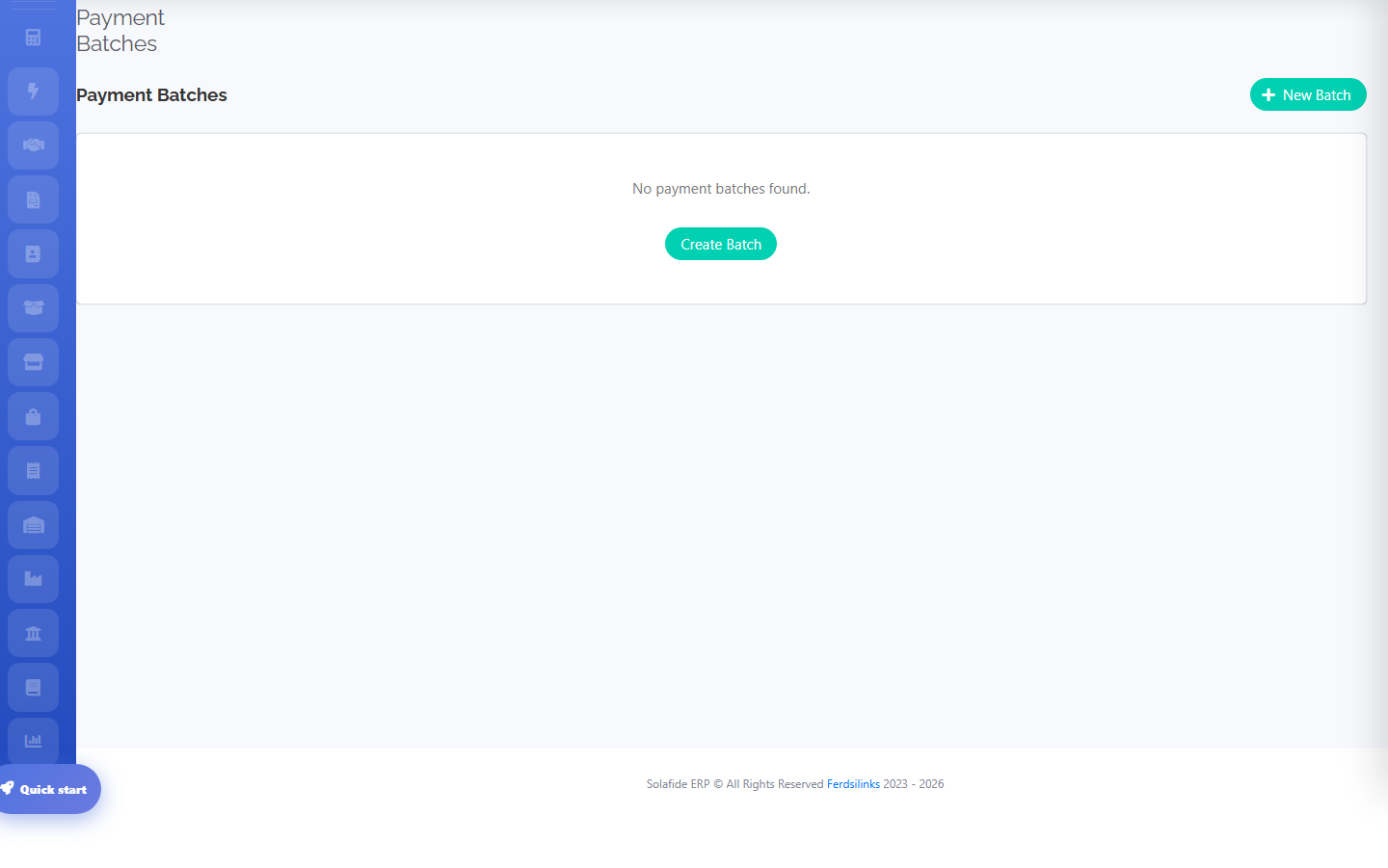
Professional plan and above. Batch several vendor/bill payments together for one bank run.
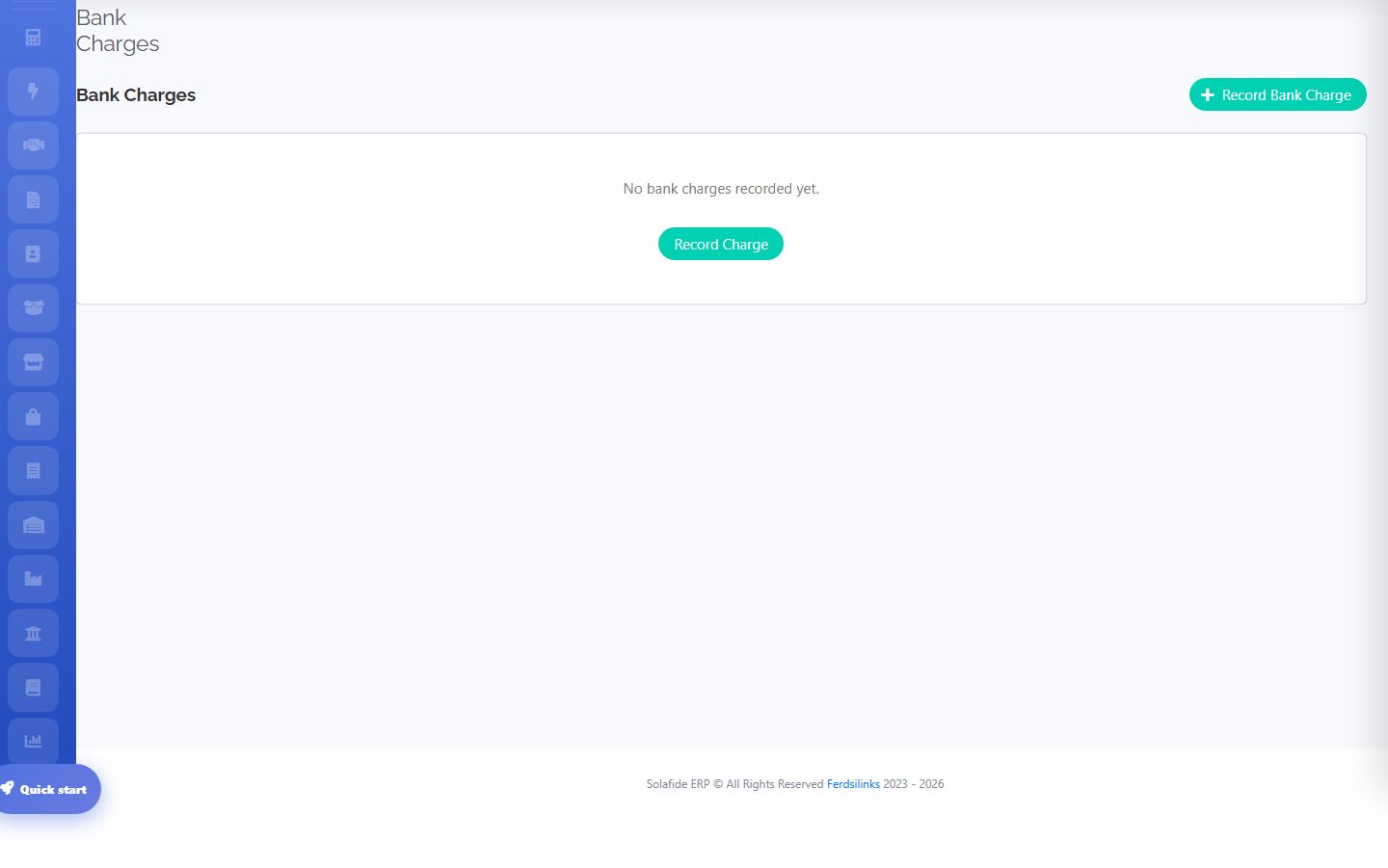
Record recurring bank charges and interest separately from ordinary transactions.